02 · Distance & Angles
Robot In A CanROBOT GAMES
Tell your robot how far to go and how much to turn.
Use the robot paired with your station. Robot Remote shares the connection in the page’s eBrain dock; you do not need to type a robot address here. Start with a short move on a clear surface.
Try it step by step
- Step 1 of 3
Try the remote
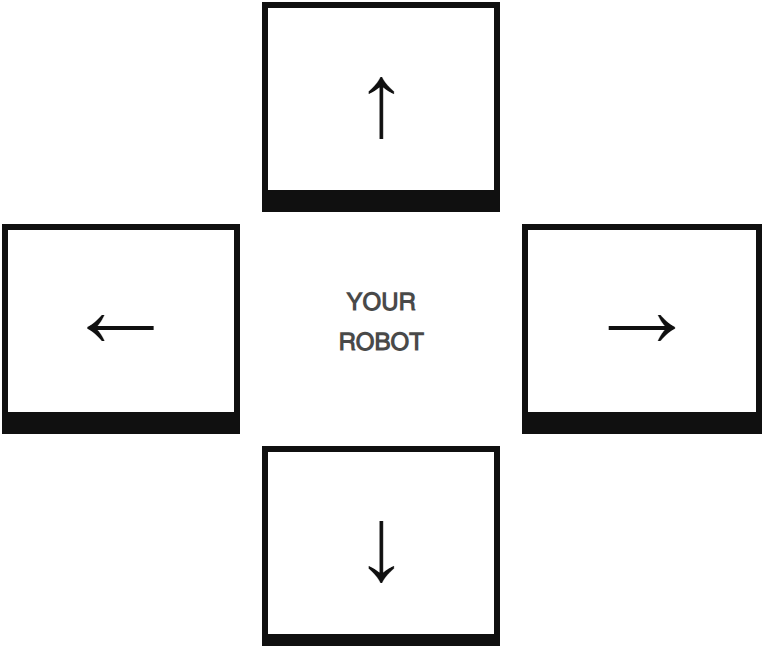
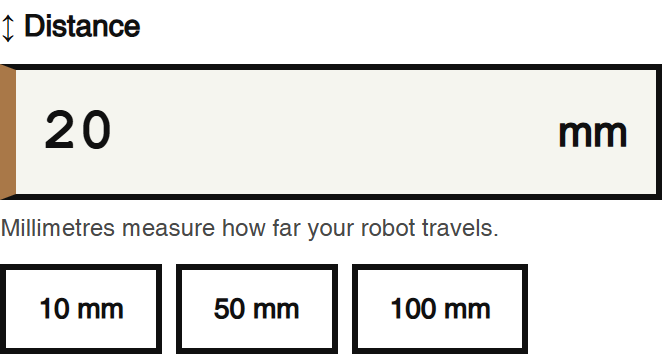
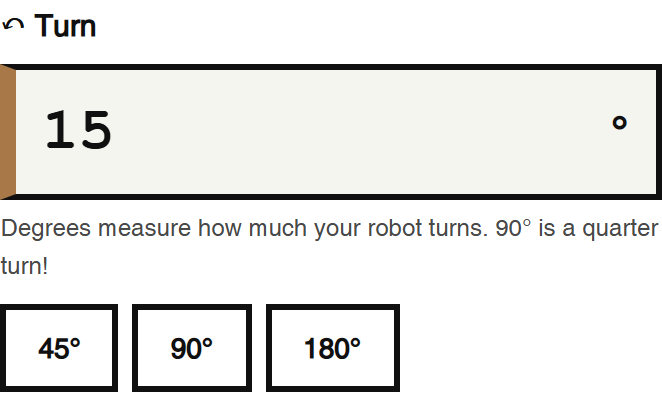
Use the arrows to move forward, backward, left, and right. Change the distance and turn numbers to see what happens. Use STOP whenever you need to pause.
- Step 2 of 3
Measure and move
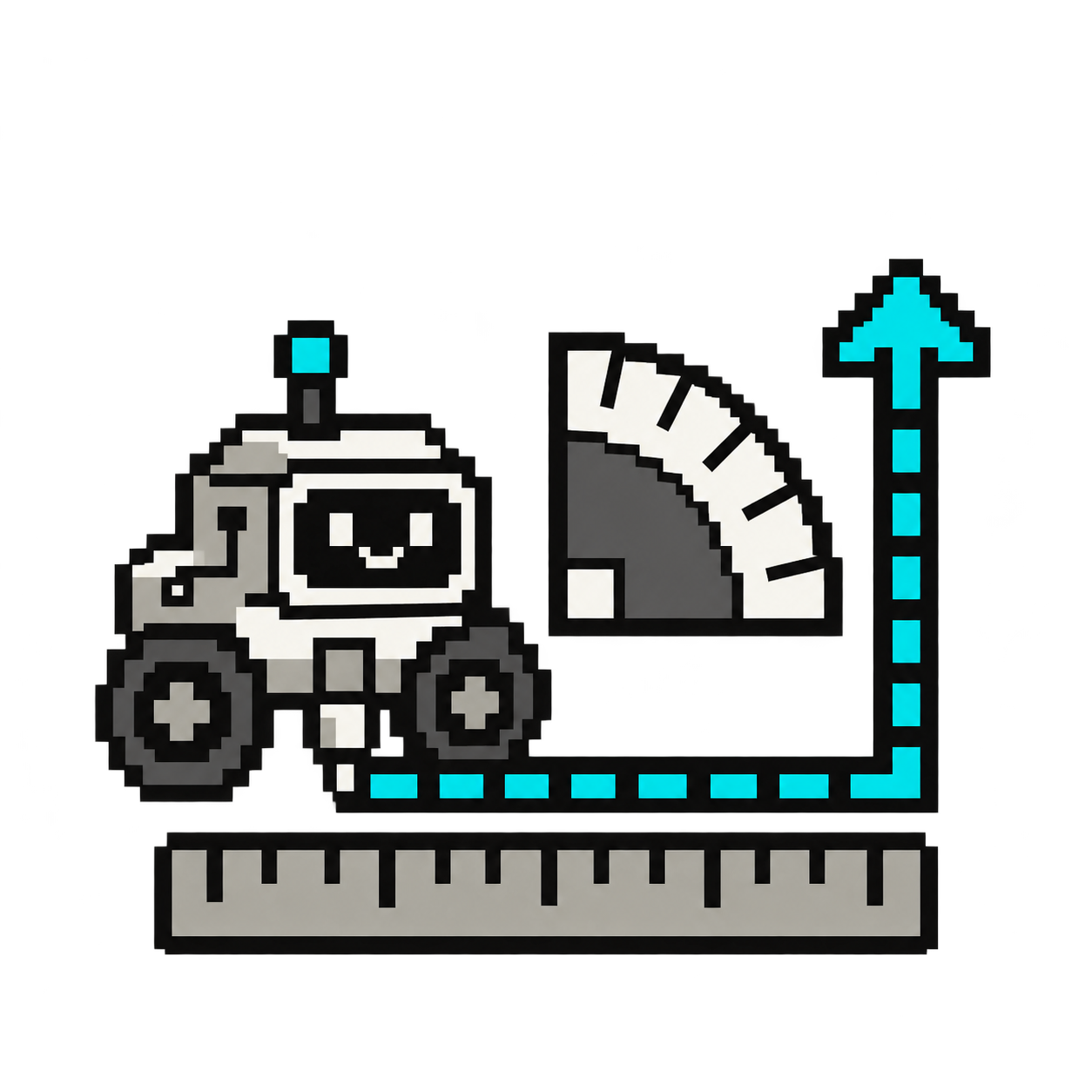
How many millimetres are in 1 centimetre? Try moving 100 mm. Use your paper ruler to measure the real distance. Did your robot travel exactly as far as you expected?
- Step 3 of 3
Explore angles
Try turns of 45°, 90° and 180° using the quick buttons. Use your printed protractor to predict where the robot will face. You can also enter 360° for a full turn. Why do we use millimetres for distance and degrees for turns?
/apps/ebrain/motors/remote-control/ebrain_robot_remote.html