ROBOT IN A CAN / FIELD NOTES
Build something. Explore a signal. Make it your own.
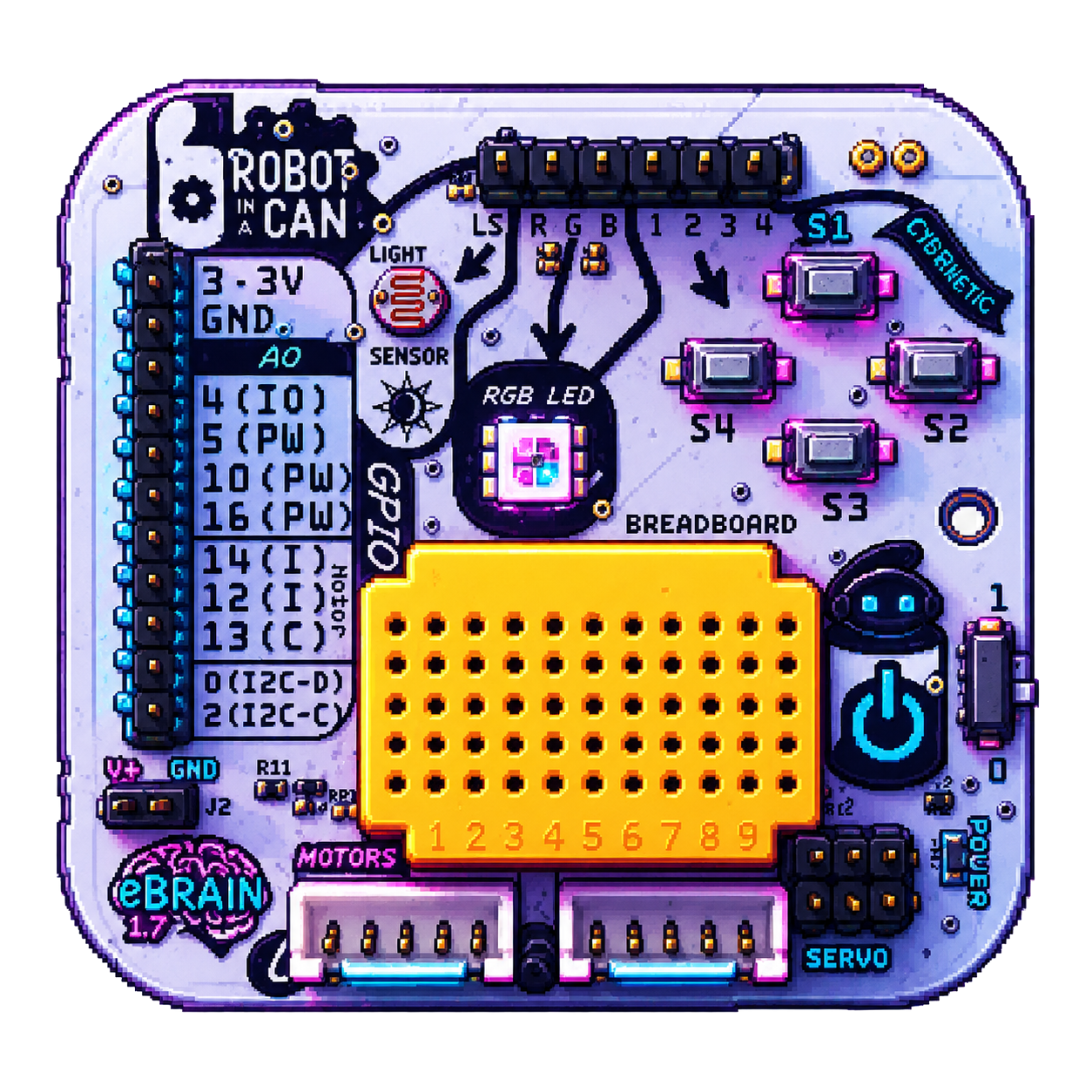
Meet a tiny computer you can program.
Start with a USB cable. Add Wi-Fi when you are ready for robots and wireless projects!
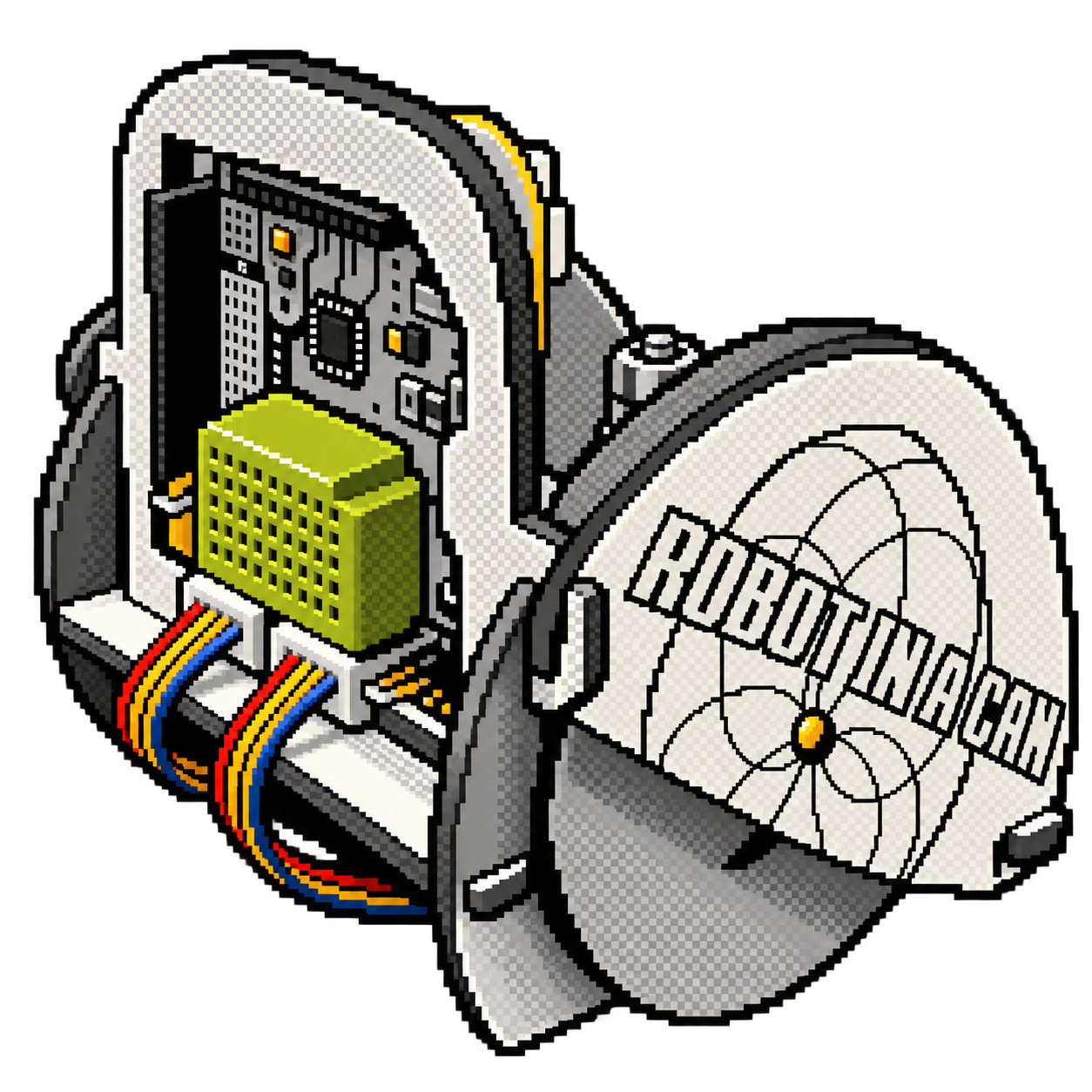
Let’s bring your robot to life!
Tell your robot how far to go and how much to turn.
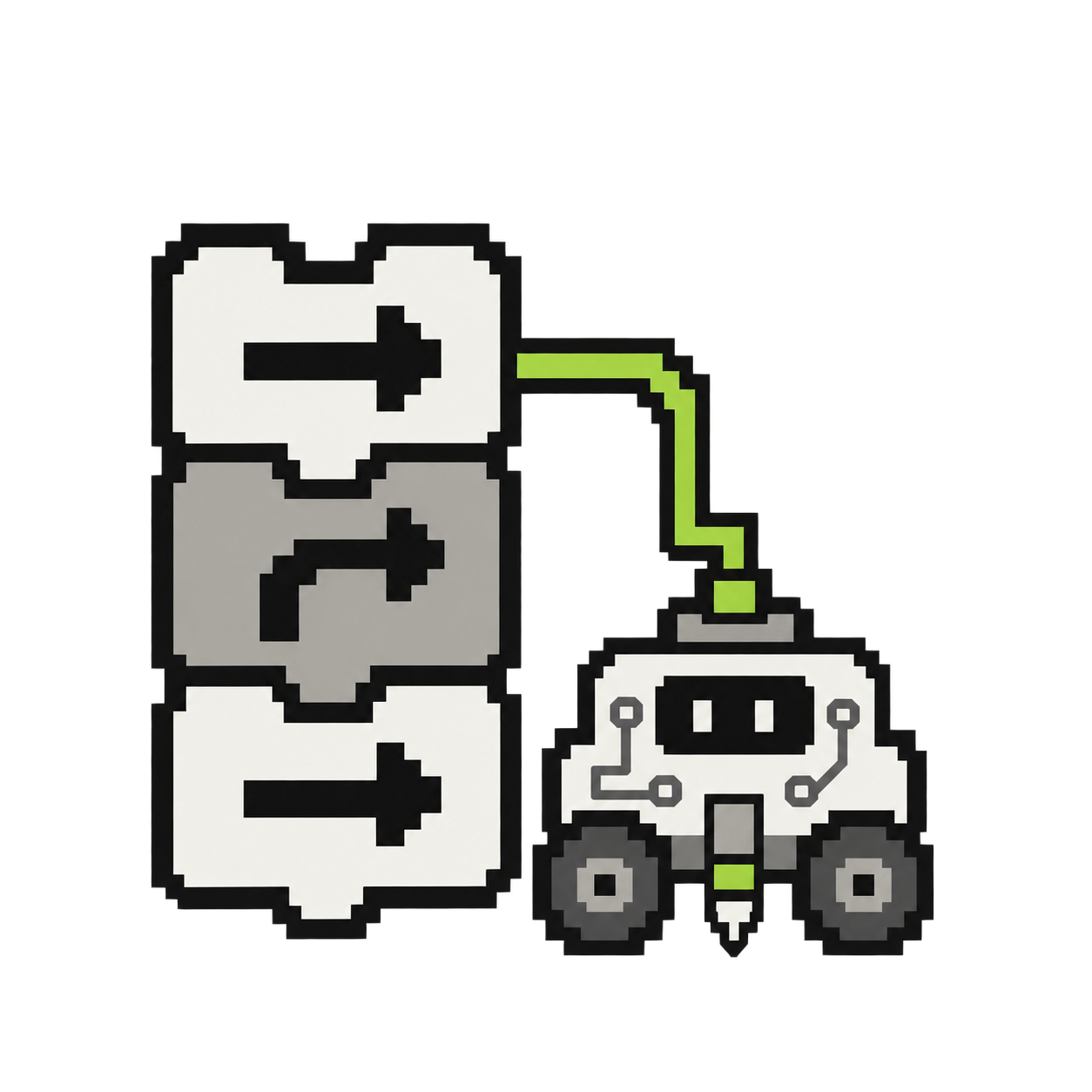
Make a list of instructions for your robot.
Do more with fewer blocks.
Choose a recipe and teach your robot a new shape!
Discover patterns inside patterns.
Create surprising geometric patterns.
Can you reach the target in the fewest moves?
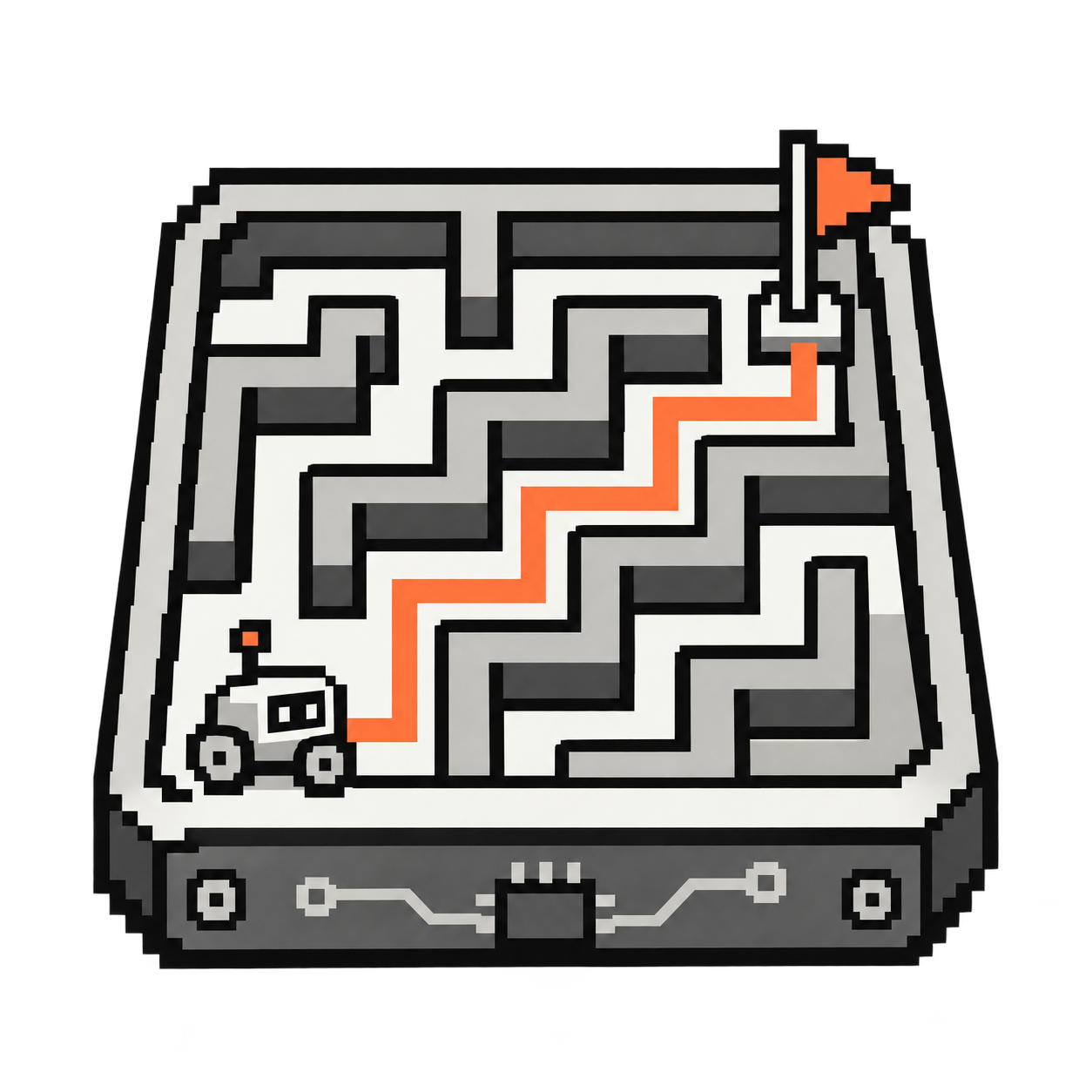
Find your way from START to FINISH.
Give each key a robot action.
Use readable blocks to test a circuit, watch a sensor value, or turn a working module into a larger invention.
Make your robot dance to sound.
Check the eBrain firmware and follow the steps to install an update.
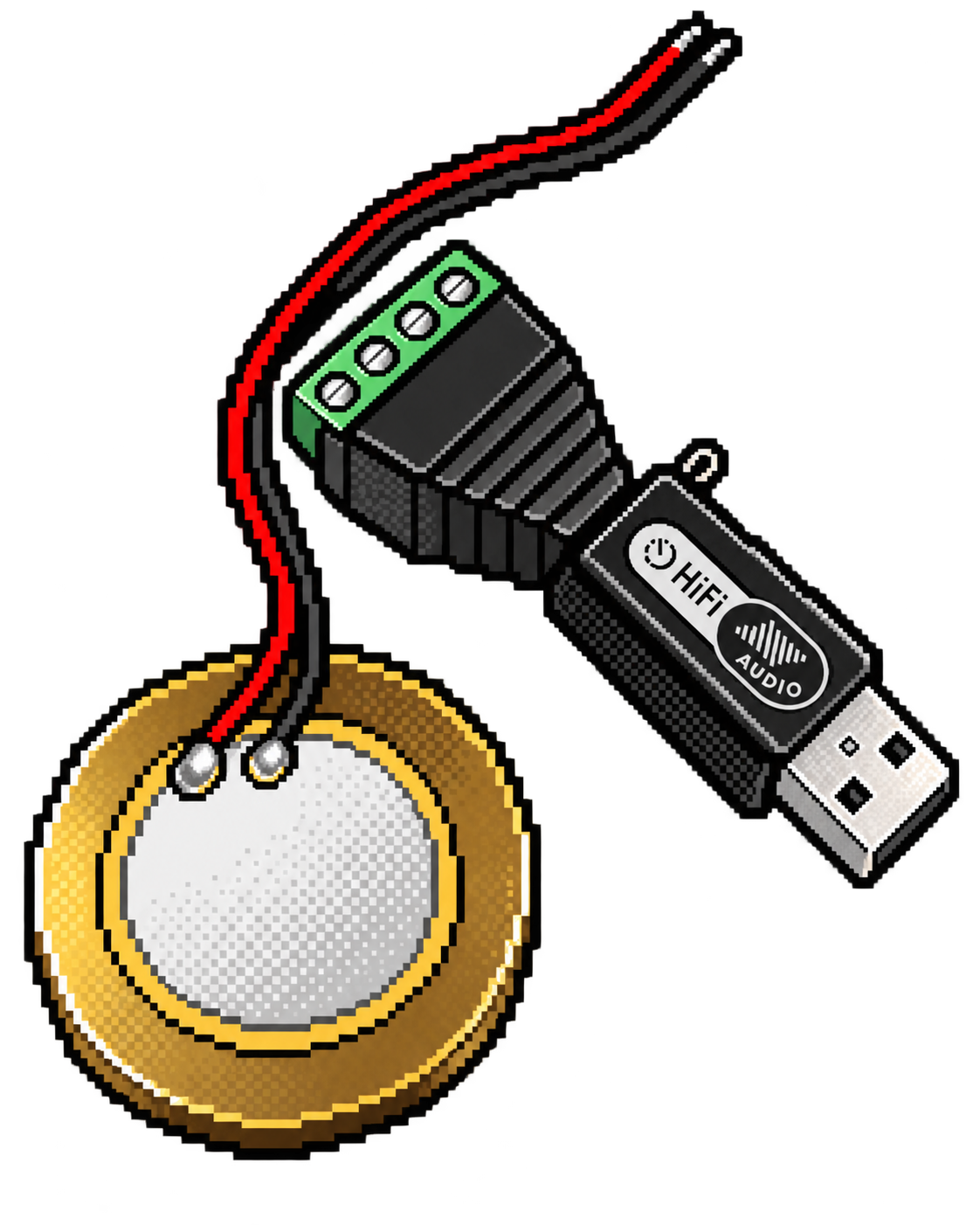
Connect the piezo sensor, attach it to an object, and discover its hidden vibrations.
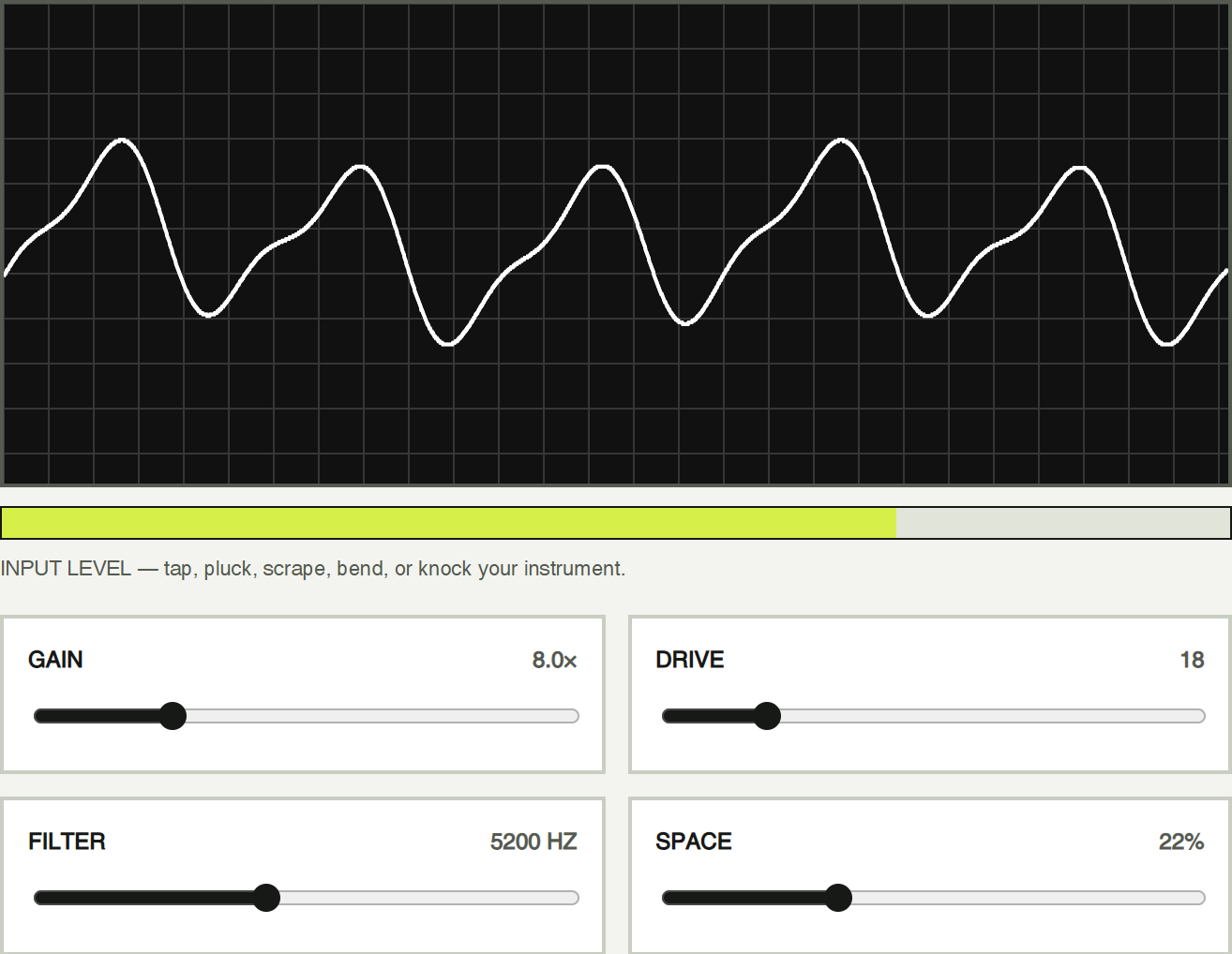
Amplify taps, plucks, scrapes, and knocks. Watch the live waveform, compare input strength, and shape the sound with gain, drive, filter, space, and presets.
Save the peak vibration level from each hit. A small tap makes a tiny jump. A medium tap goes higher. A huge hit launches the character.
Display microphone volume, capture each hit’s peak, and map it to an action.
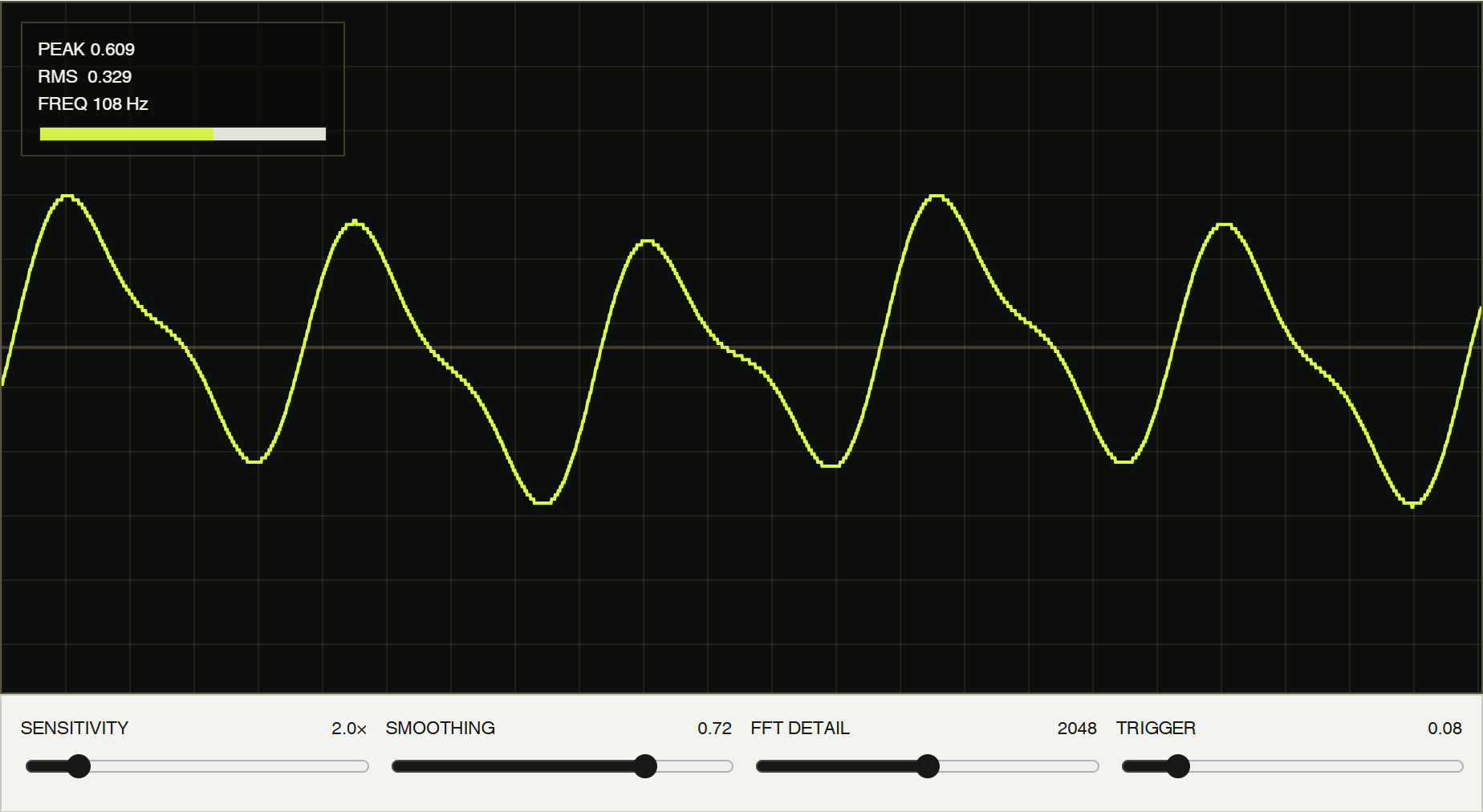
See live wave, trail, spectrum, spectrogram, and energy views. Compare peak, RMS, and frequency, freeze the evidence, or record a strange vibration.
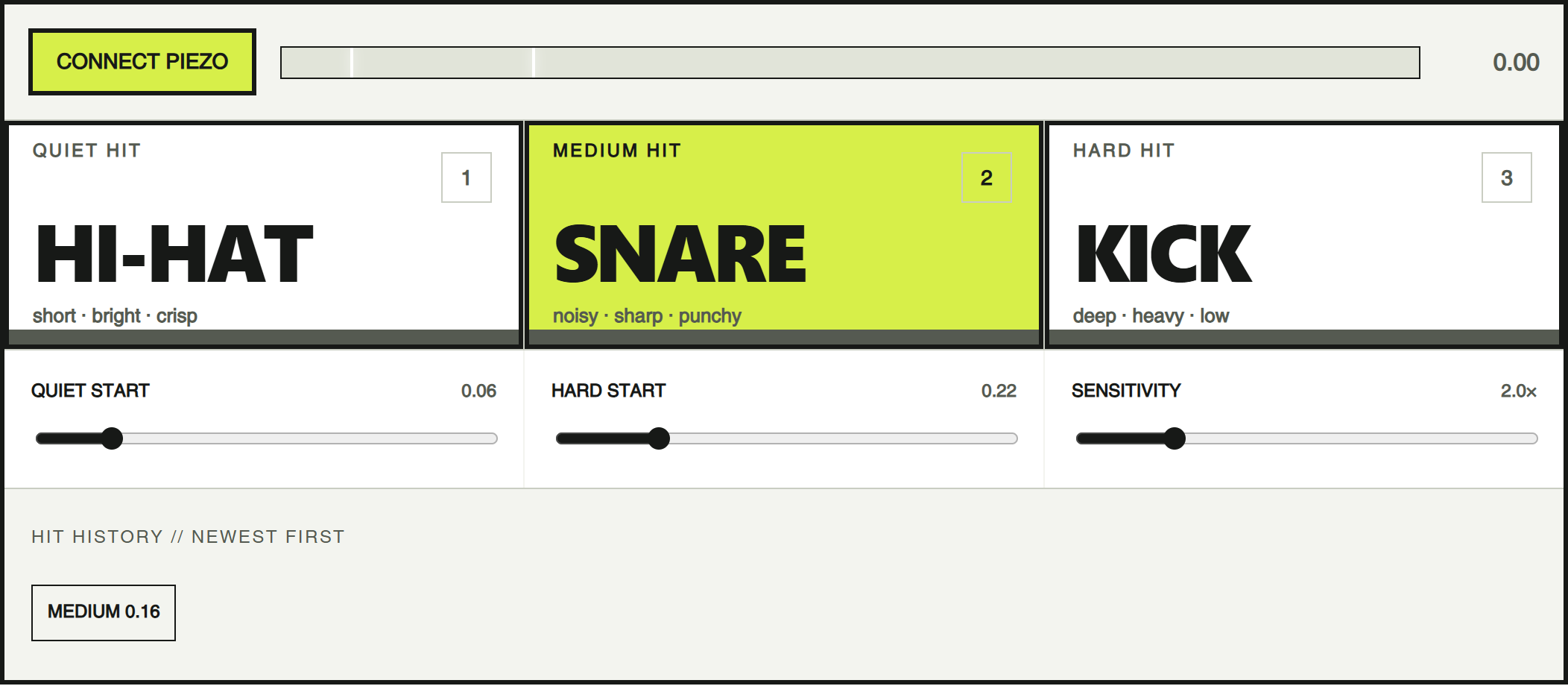
Split hit strength into quiet, medium, and hard zones. Trigger a hi-hat, snare, and kick—or replace them with animals, lasers, voices, or ridiculous noises.
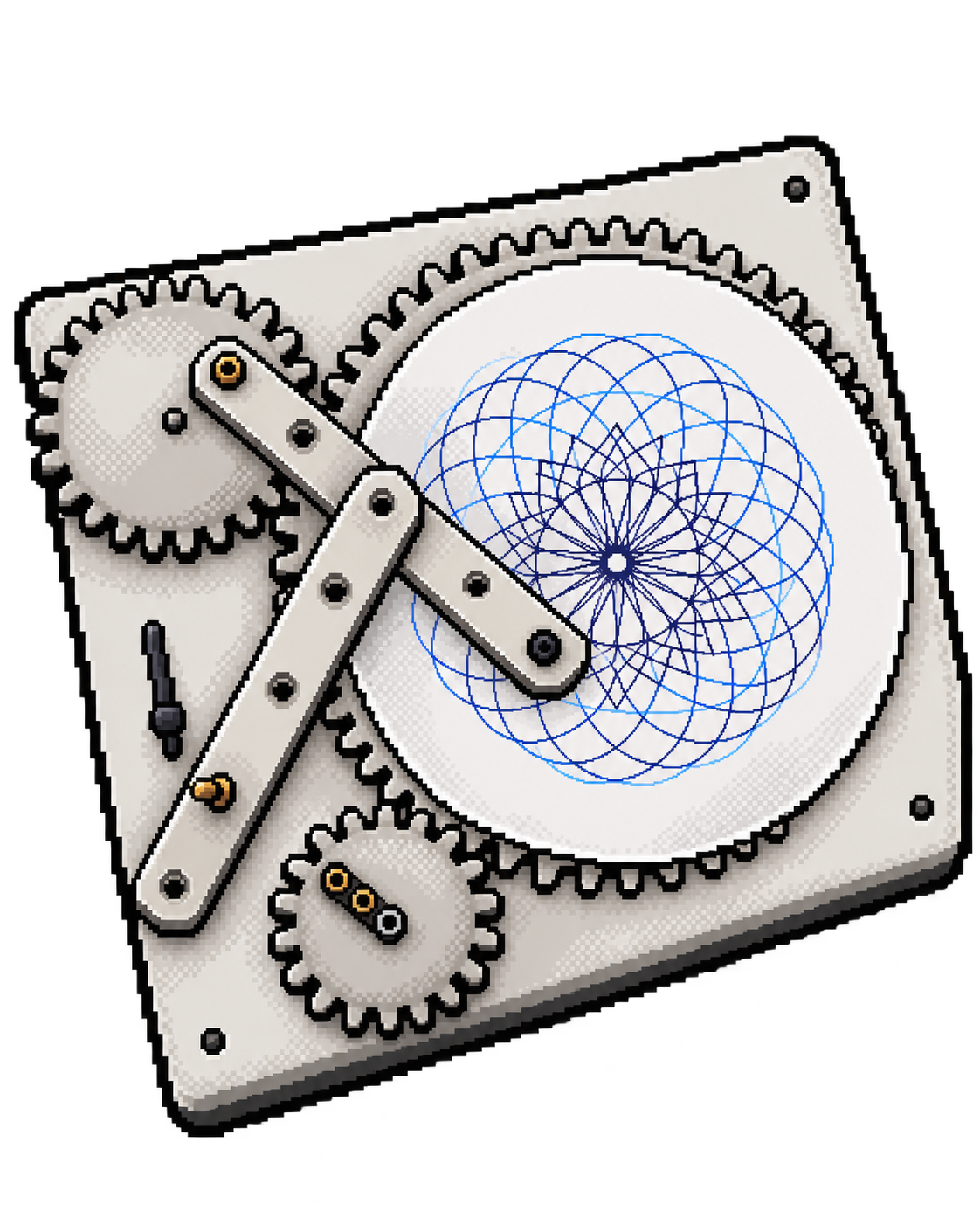
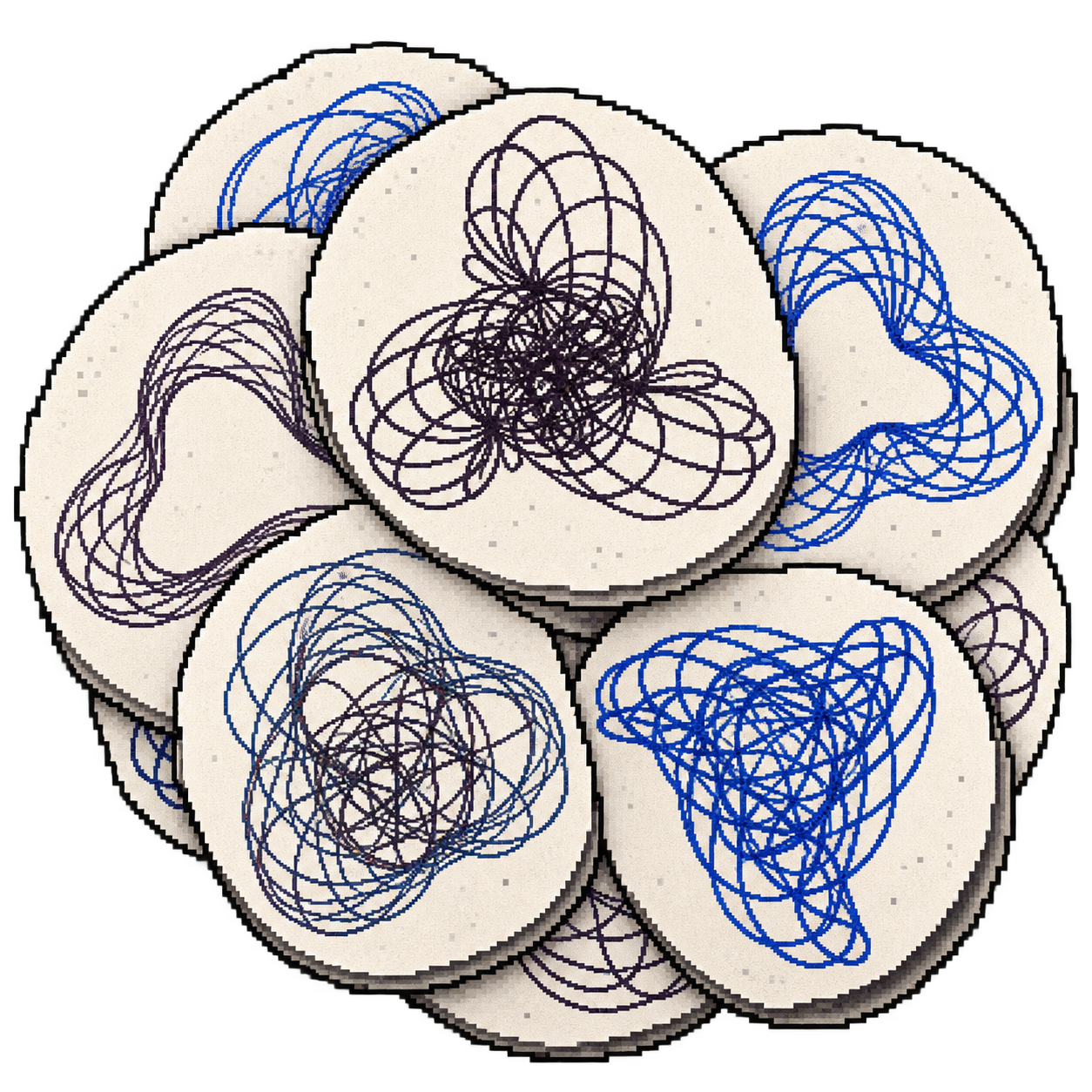
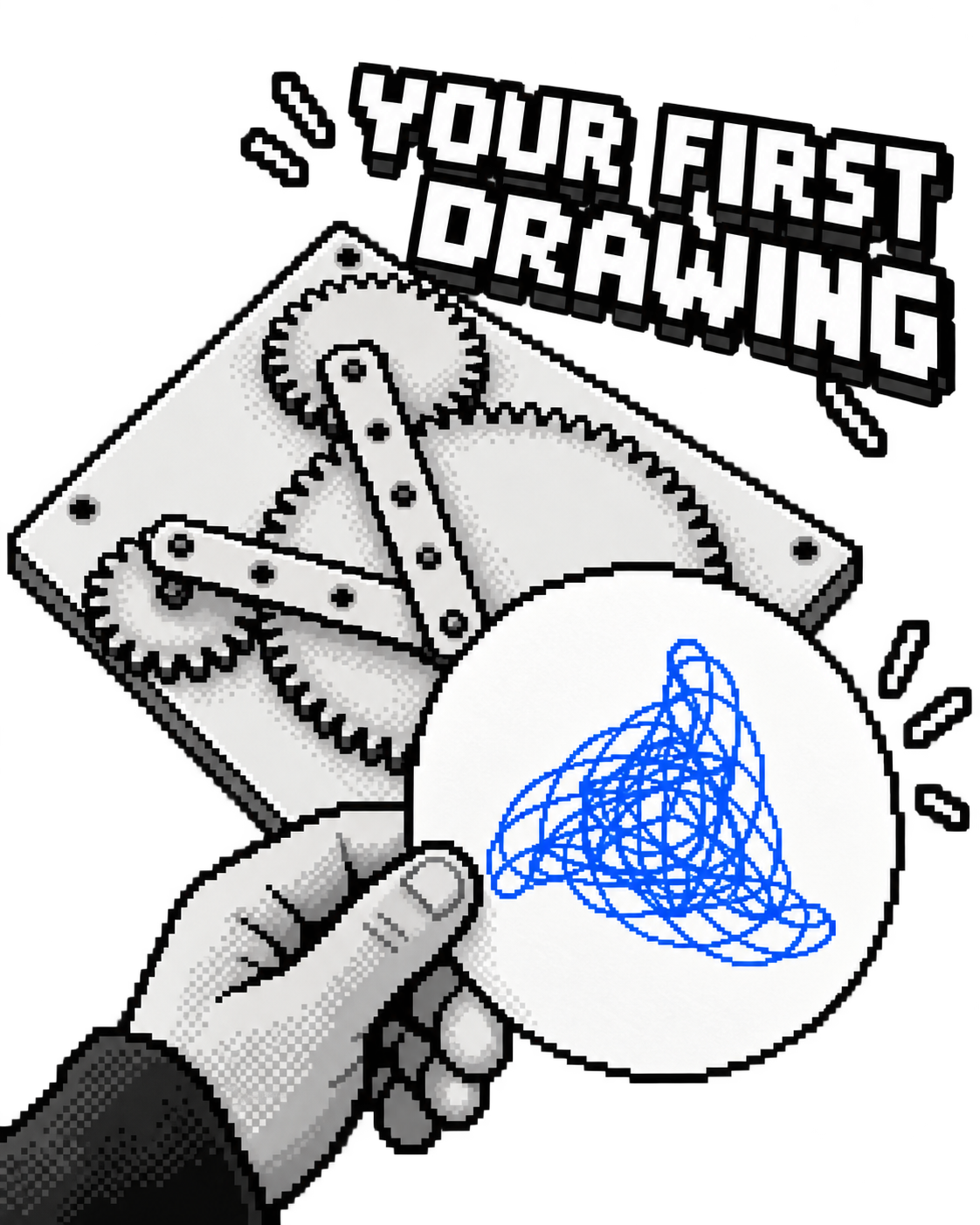
Follow the photos to build a machine that makes amazing drawings all by itself.