07 · Spirograph Studio
Robot In A CanROBOT GAMES
Create surprising geometric patterns.
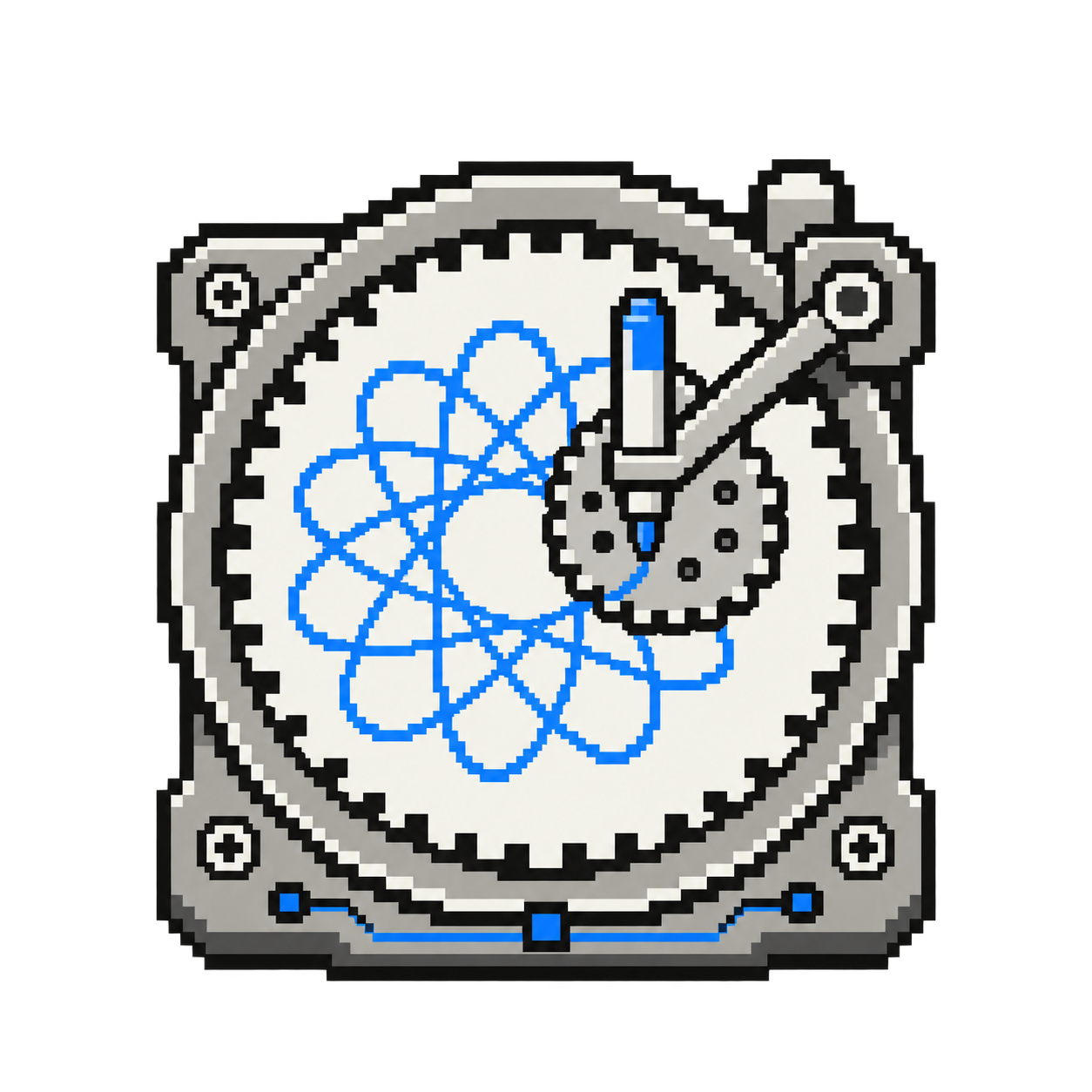
Explore a pattern on screen first. The studio shares the eBrain connection from the page. It prepares your drawing automatically; only Draw with robot sends it to the robot.
Try it step by step
- Step 1 of 3
Draw with your robot
Start with a short, simple pattern and make room for the whole drawing. Connect your eBrain, then press Draw with robot. For a long drawing, ask a workshop leader first. Advanced robot settings are optional: expand step 05 if you want to adjust how the robot draws.
- Step 2 of 3
Compare
How does the real drawing compare with the picture on the screen? What changes when you make the pattern smaller or simpler?
- Step 3 of 3
Explore a pattern
Choose a simple design. Adjust one slider at a time and watch the drawing change. Try the preview animation.
/apps/ebrain/motors/spirograph-studio/ebrain_spirograph_studio.html