
06 - Distance & Angles
Robot In A CanROBOT GAMES
Tell your robot how far to go and how much to turn.
Try it step by step
- Step 1 of 3
Try the remote
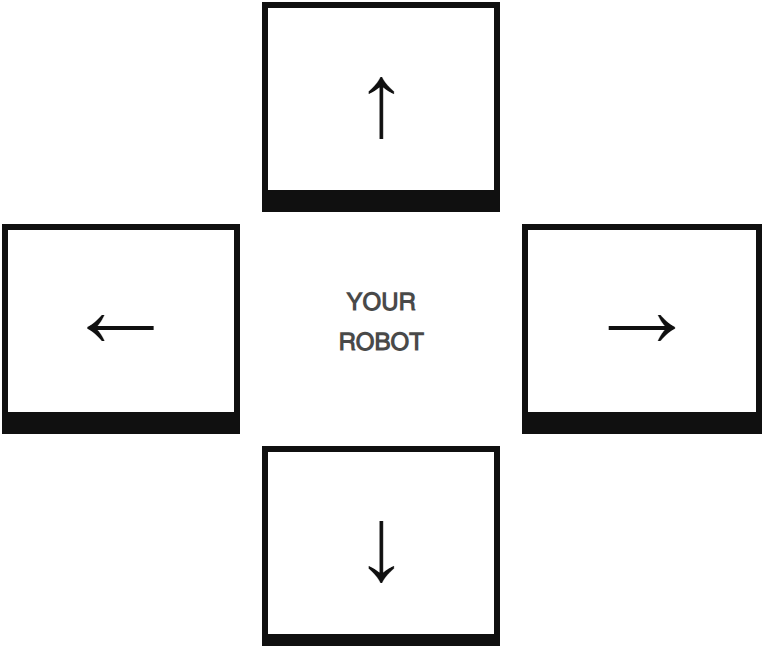
Use the arrows to move forward, backward, left, and right. Change the distance and turn numbers to see what happens. Use STOP whenever you need to pause.
- Step 2 of 3
Measure and move
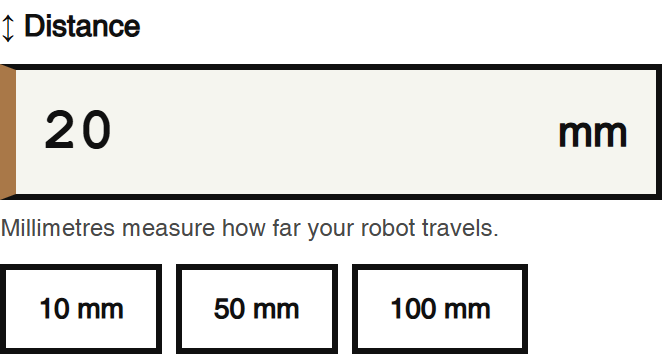
How many millimetres are in 1 centimetre? Try moving 100 mm. Use your paper ruler to measure the real distance. Did your robot travel exactly as far as you expected?
- Step 3 of 3
Explore angles
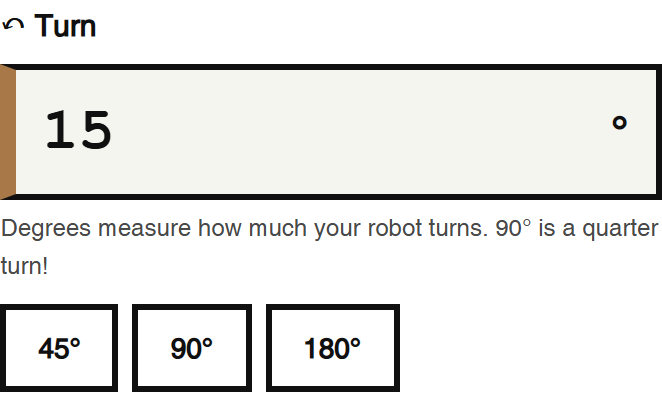
Try turns of 45°, 90° and 180° using the quick buttons. Use your printed protractor to predict where the robot will face. You can also enter 360° for a full turn. Why do we use millimetres for distance and degrees for turns?
/apps/ebrain/motors/remote-control/ebrain_robot_remote.html